




About This File
Member of the Month (MotM)
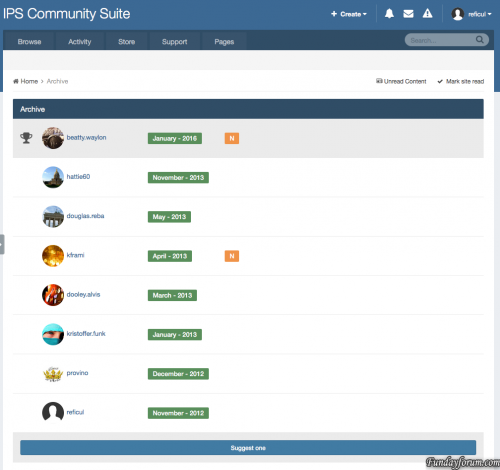
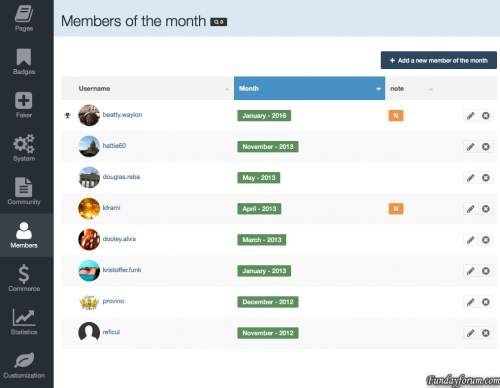
MOTM is an application that will allow you to designate a “member of the month”. Compared to the previous version for IPB 3 has been added the “elections” feature, now users can vote for their candidates.
Features:
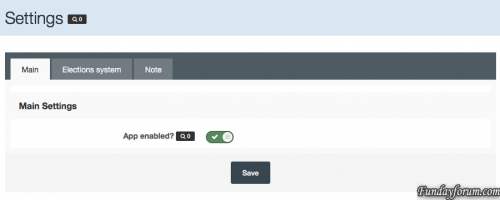
- Admin can set up Application on/off.
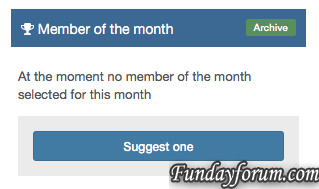
- Enable/disable Motm widget in home page
- Admin can enable/disable Motm Archive Page (with historical data)
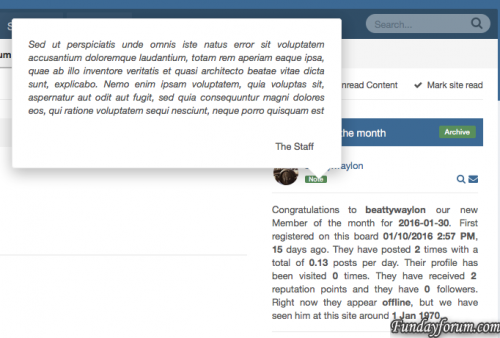
- Popup modal window for Staff Note
- Settings to configure a signature for motm note
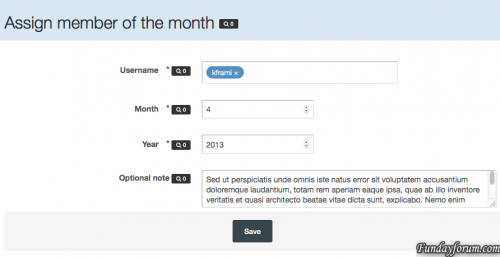
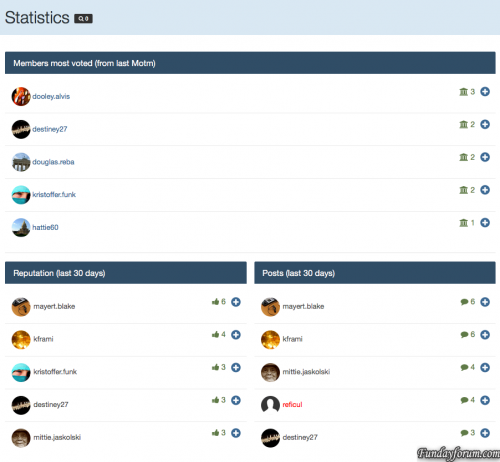
- Stats page in acp to easy find your motm
- 12 stats displayed on widget for member of the month
- Members can vote for their candidates
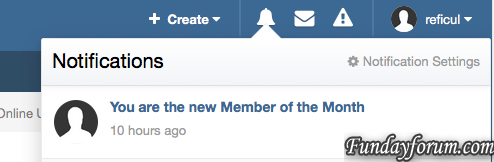
- Notify user
MotM are tested on default IPB skin (4.1.X), for custom skin I provide a full support for free!!!
Installation
- Log in to your IPS4 Admin CP
- Go to System -> Site Features -> Applications
- Click “Install”
- Upload the .tar file included with this distribution and install!
USAGE
From your AdminCP, go to:
Members -> Member of the month -> Dashboard
What's New in Version 2.3.7 See changelog
Released
Other
- check compatibility with 4.1.14.3
Bugfixes
- Fix "Already voted" dialog box
- Email notification error
Recommended Comments
There are no comments to display.
Join the conversation
You can post now and register later. If you have an account, sign in now to post with your account.
Note: Your post will require moderator approval before it will be visible.