



About This File
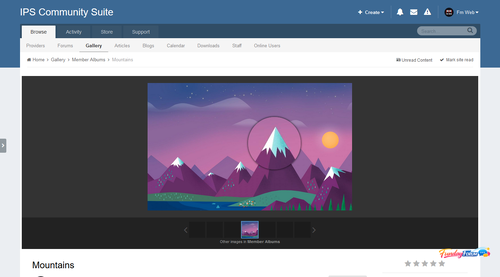
Plugin allows you to see the details of the picture in the gallery as a magnifying glass.
Step 1: Install Plugin
Locin ACP and go to System -> Plugins -> Install New Plugin. Browse to the XML file included with these instructions and click Open.
.thumb.png.ea12d62fcb43a79b1d7a7a4664107cbc.png)
Recommended Comments
There are no comments to display.
Join the conversation
You can post now and register later. If you have an account, sign in now to post with your account.
Note: Your post will require moderator approval before it will be visible.