



About This File
There are some boards, where moderating staff is just going crazy about spoilers. They want to hide everything under spoilers. But in fact sometimes spoilers are really good to organize content.
This simple and light plugin won't change any code of your posts, it won't also add any new custom short-codes.
The only things this plugin do are following:
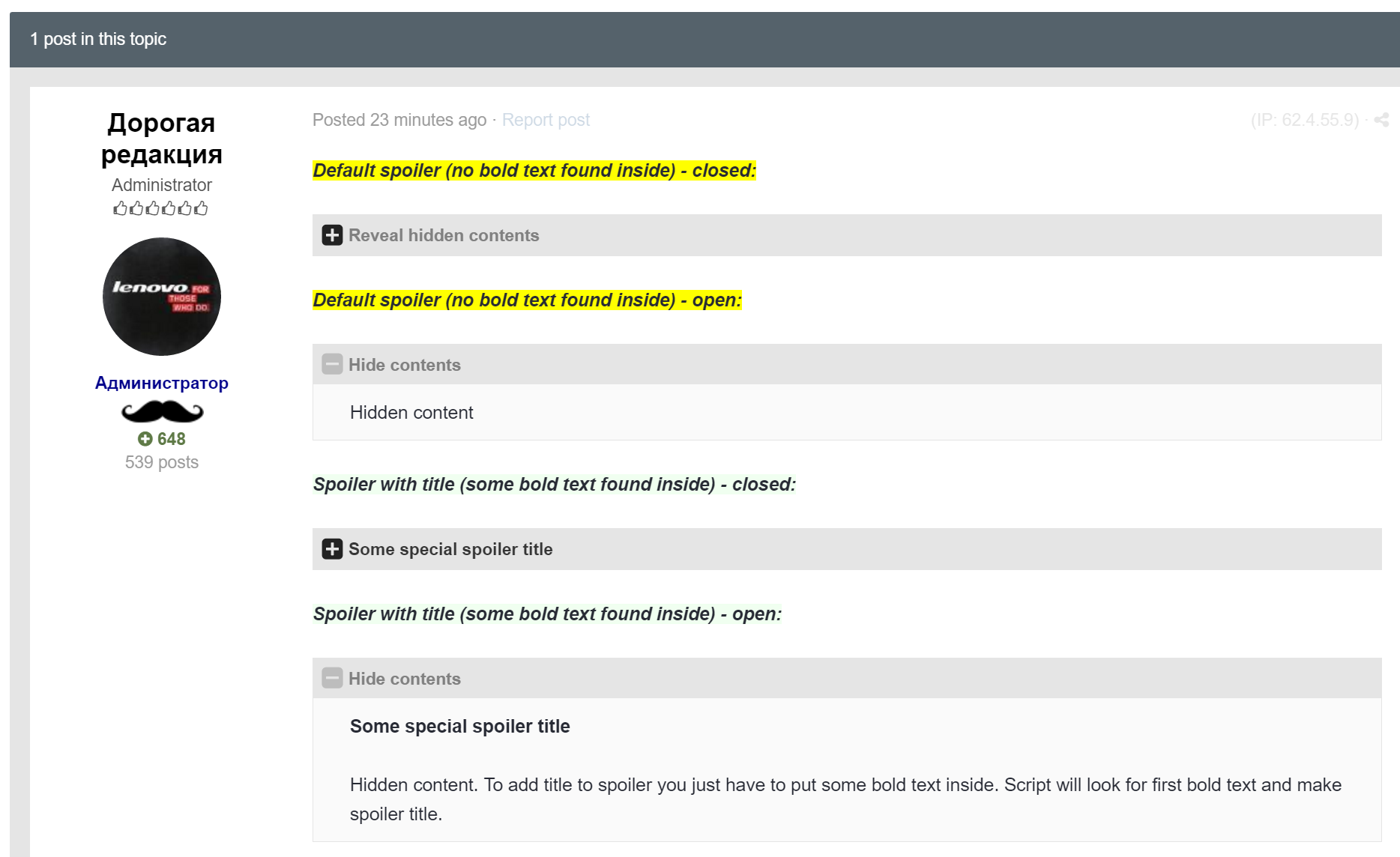
- After page load plugin will check all spoilers on page for any bold text inside.
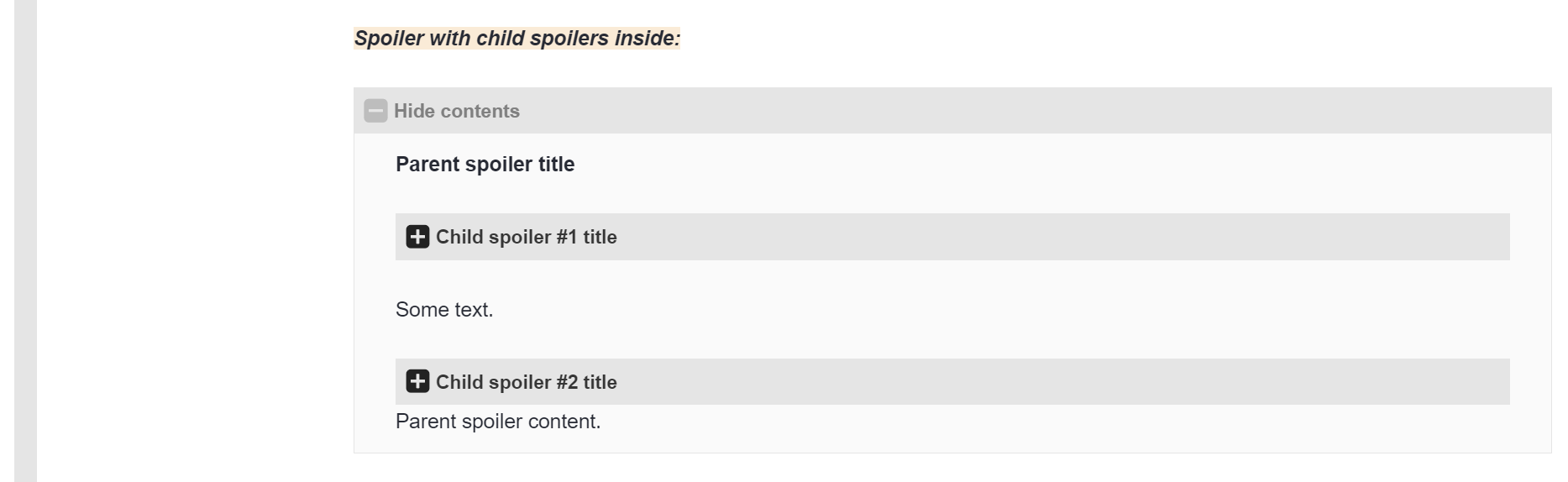
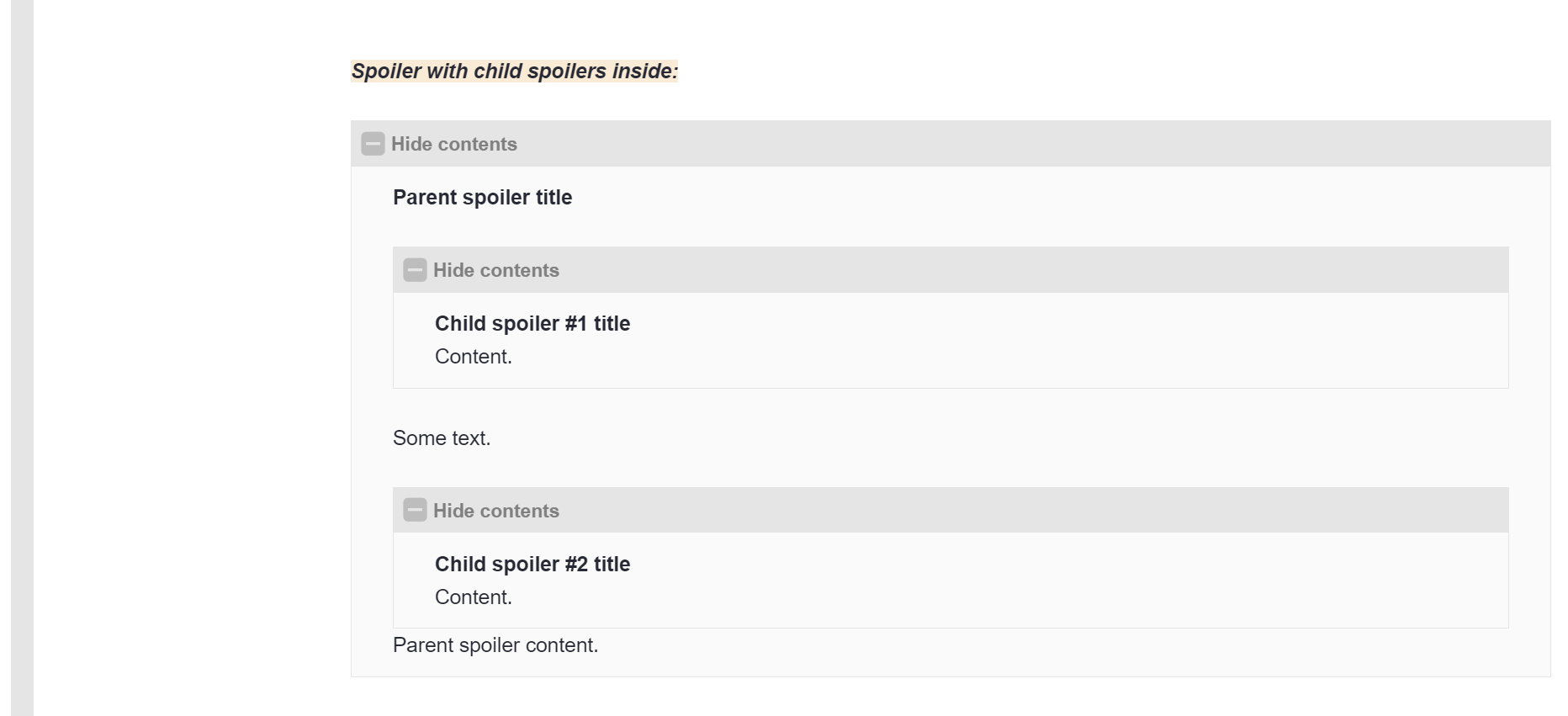
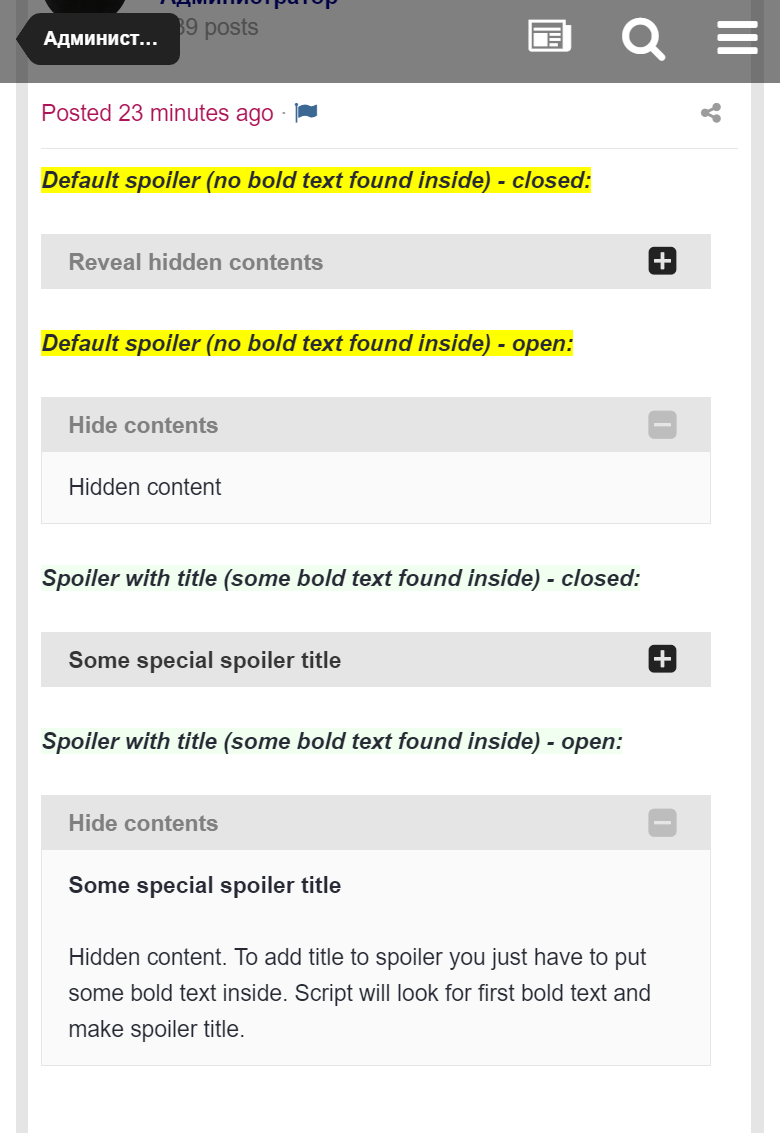
- If some bold text found, plugin will make spoiler title based on first bold text entry found inside of spoiler
- Some extra look-and-feel changes also applied to make default spoilers look better.
How to use:
Just put any bold text inside of the spoiler, plugin will automatically find first bold piece of text and add as spoiler title.
You may adjust CSS if needed by changing custom CSS stylesheet file you may find on template code edit page.
.thumb.png.ea12d62fcb43a79b1d7a7a4664107cbc.png)


Recommended Comments
There are no comments to display.
Join the conversation
You can post now and register later. If you have an account, sign in now to post with your account.
Note: Your post will require moderator approval before it will be visible.