


About This File
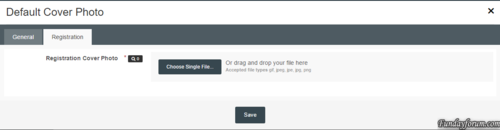
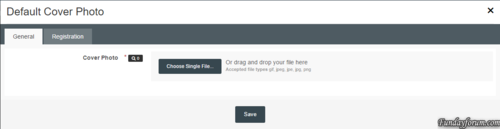
* Plugin: Default Cover Photo
Installation Instructions:
1. Unzip the archive to a location on your computer
2. Login to your ACP
3. Go to System > Plugins
4. Click the "Install" button
5. Select the XML file from the unzipped archive and click "Install"
.thumb.png.ea12d62fcb43a79b1d7a7a4664107cbc.png)
Recommended Comments
There are no comments to display.
Join the conversation
You can post now and register later. If you have an account, sign in now to post with your account.
Note: Your post will require moderator approval before it will be visible.