




About This File
[HQ4] IPS Moods for invision community suite 4
IPS moods 1.1.2 is for 4.4 compatibility
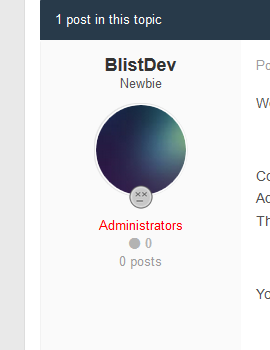
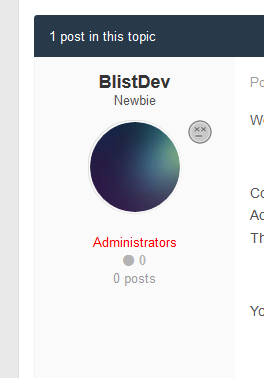
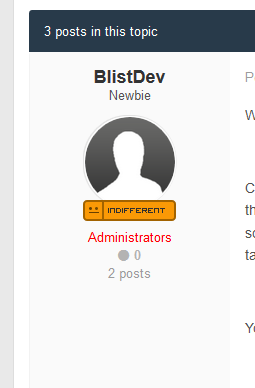
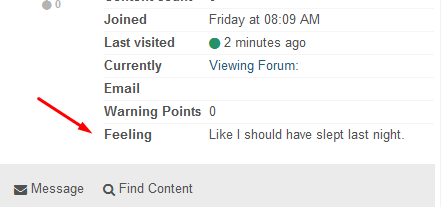
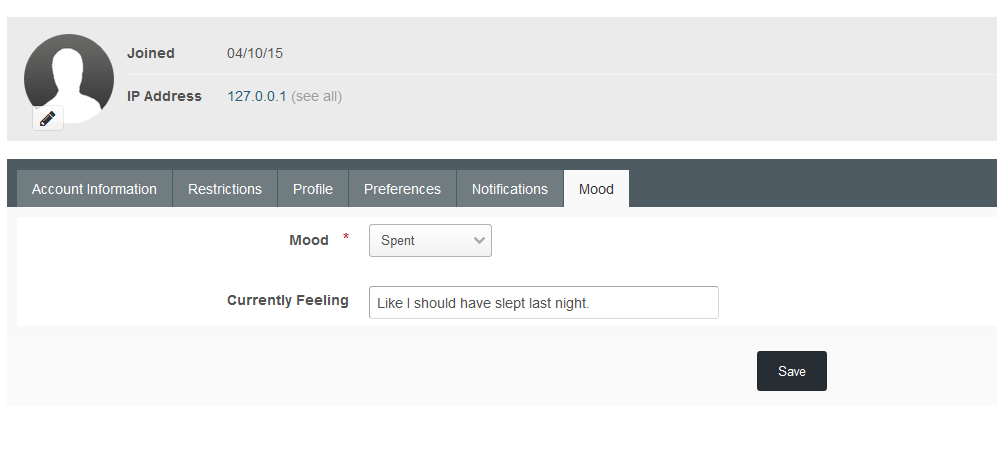
Increase the bond between the users of your community by allowing them to express their current mood and feeling. This application will allow your members to choose moods created by you and enter their own currently feeling (if permitted) which will be displayed in forum topics, hover cards and user’s profiles. Members will also be able to see the latest moods updates by all members through the included widget. This application will help give your community, a deeper “community” feel.
View: bbcode.it
(Create an account to demo mood changing)
- Create your own moods with your own images.
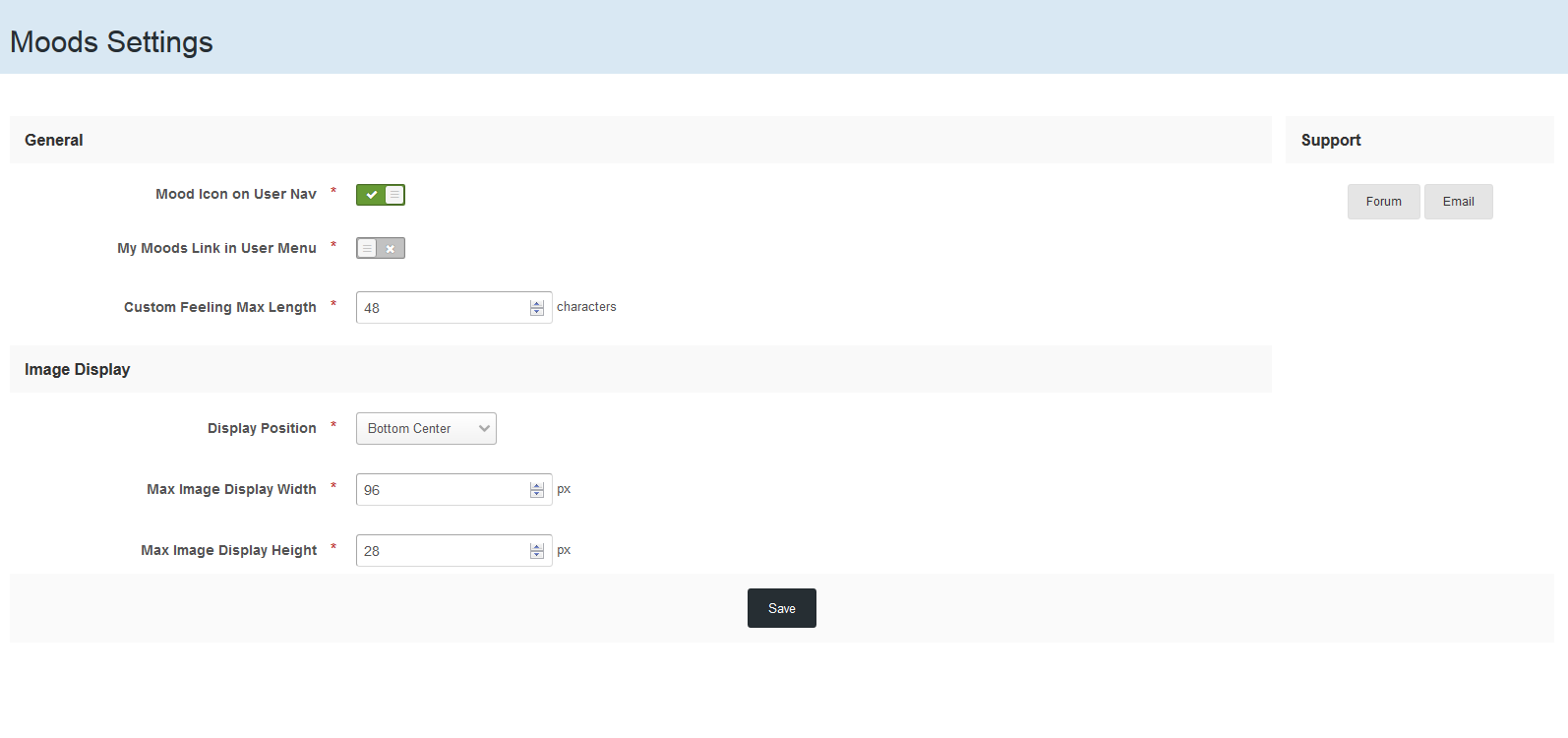
- Set the display position of moods around the avatar: top left & right, bottom left, center & right.
- Set the image size for display in topics and profile.
- Also supports wide width images for classic style mood images.
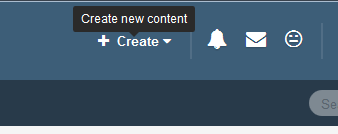
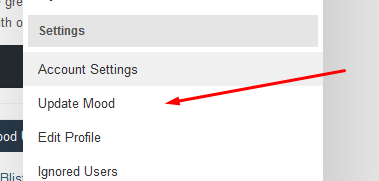
- Optional menu link & user nav icon.
- Members can enter custom feeling text for moods.
- Set the allowed feeling text length.
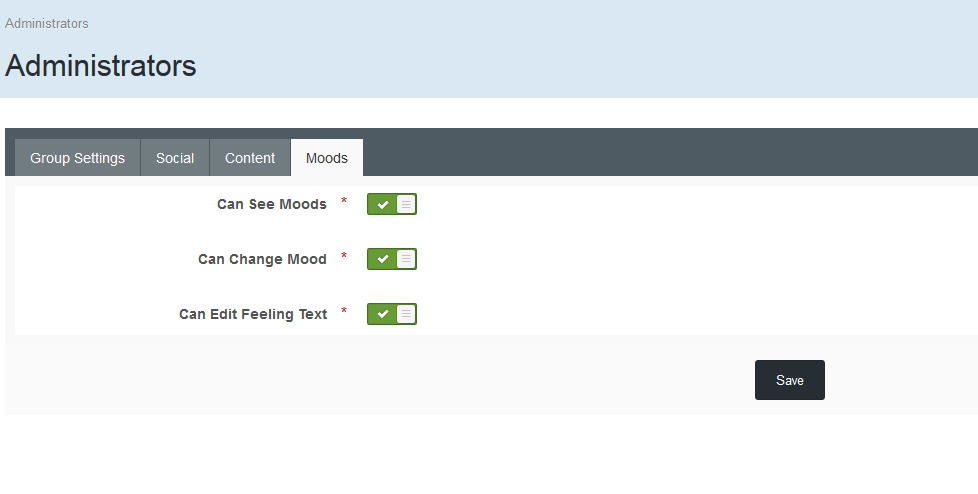
- Group based permissions.
- Moods displayed on profile, in topics and hover cards.
- Latest Mood Updates widget.
- Editable language strings.
- Starter Mood Pack with PSD Template.
IPS 4.1.x (Use 1.0.4), IPS 4.2.x + (use 1.1.0+)
Tested also on IPS 4.3.x
If you have suggestions for Moods, we'd be happy to hear them via the forums: http://bbcode.it
The cost of this application covers the ongoing support of the product and future development. You can request support via..
Forums: bbcode.it
What's New in Version 1.1.2 See changelog
Released
- 4.4 compatibility check
.thumb.png.f68a44c4750375bd6b34d3186ac6347b.png)
.thumb.png.ea12d62fcb43a79b1d7a7a4664107cbc.png)
Recommended Comments
There are no comments to display.
Join the conversation
You can post now and register later. If you have an account, sign in now to post with your account.
Note: Your post will require moderator approval before it will be visible.