



About This File
Application Settings
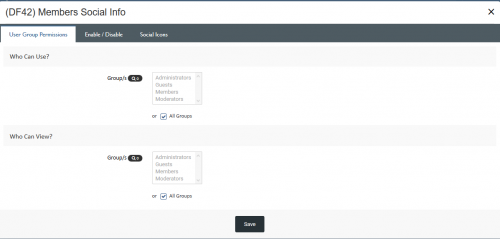
- Choose what user groups can use Members Social Info
- Choose what user groups can see the Members Social Info icons
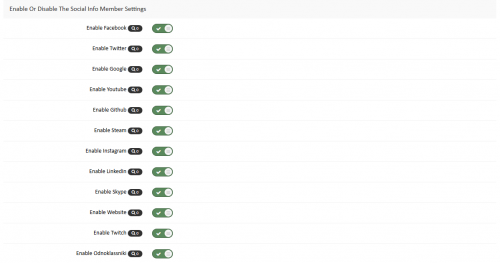
- Enable or disable each social link from being accessed by members
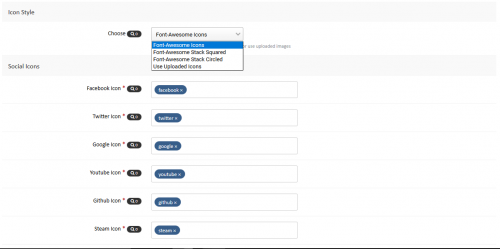
- Choose the font-awesome icon for each social link
- Select 3 different styles of the icons from normal to square to round or UPLOAD your own icons
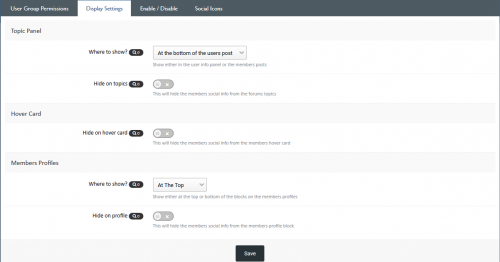
- Hide the member social icons from the topics, hover card or the profile blocks
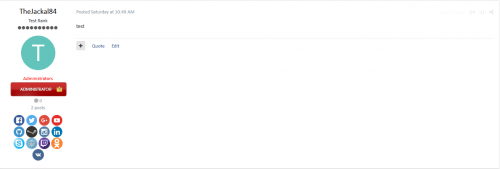
- Choose to display the member social icons on either the members user info panel or the members posts
- Choose to display the members social icons at the top or bottom of the members profile blocks
Admin/Moderator Settings (Member Profile Edit Settings)
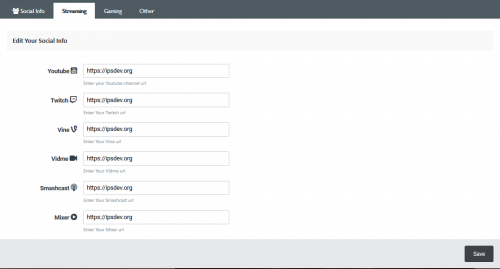
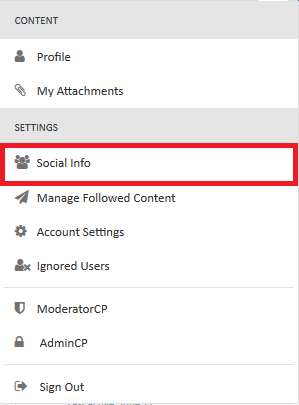
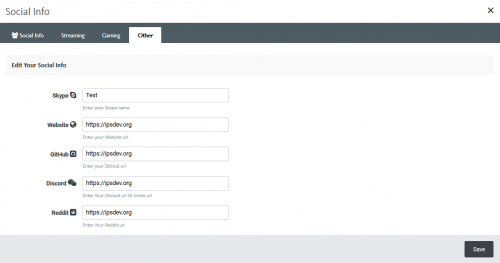
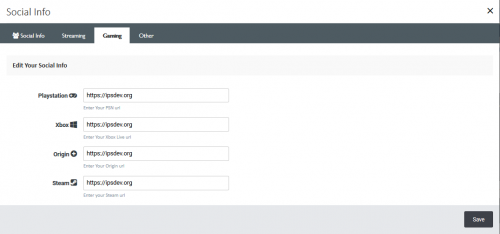
- Manually add / edit the users Member Social Info in their profile edit settings (If the mod has edit permissions)
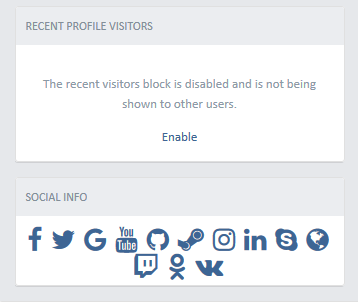
Social Links Included So Far
- YouTube
- GitHub
- Steam
- Skype
- Website
- Twitch
- Odnoklassniki
- vKontakte
- Discord
- Vine
- Vidme
- Snapchat
- Smashcast
- PlayStation
- Xbox
- Origin
- Deviantart
- Tumblr
- Flickr
- Foursquare
- Artstation
- Toyhouse
- More to come
Displays Where?
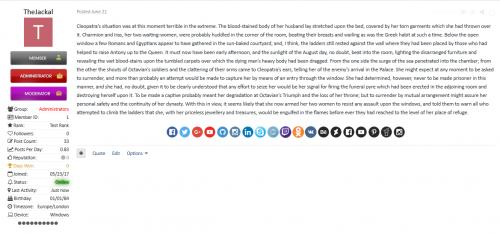
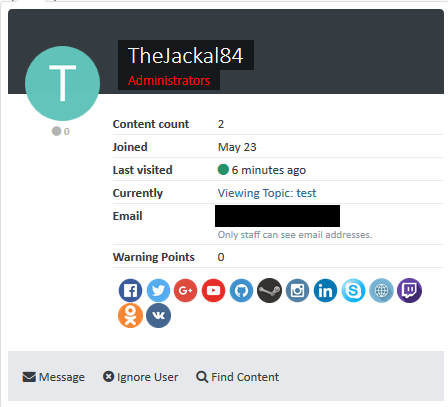
- On the users posts and topics in the user info panel or at the bottom of their posts
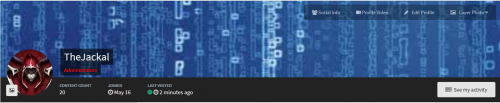
- On their profile as a block
- On their hover card at the bottom of the info list
- On the members search page
How To Install
- Go to your admin panel and applications then install the downloaded .tar file
NOTE IF YOU ARE UPDATING FROM THE PLUGIN TO THE APPLICATION
Do not uninstall the plugin before you install the application just disable it, Now install the new application you will need to go to the ACP menu on the Social Sites page located in the members tabs and click the button to sync all the links that any members currently have stored on their profile, Once that is done you will need to uninstall the plugin so it does not clash
Whats New in 2.0 Version
- Read below * )
-
Added 8 more social info links ( now sits at a total 31 to choose from )
- Deviantart
- Tumblr
- Flickr
- Foursquare
- Artstation
- Toyhouse
* Do not uninstall the plugin before you install the application just disable it, Now install the new application you will need to go to the ACP menu on the Social Sites page located in the members tabs and click the button to sync all the links that any members currently have stored on their profile, Once that is done you will need to uninstall the plugin so it does not clash
.thumb.png.f68a44c4750375bd6b34d3186ac6347b.png)
.thumb.png.ea12d62fcb43a79b1d7a7a4664107cbc.png)
Recommended Comments
There are no comments to display.
Join the conversation
You can post now and register later. If you have an account, sign in now to post with your account.
Note: Your post will require moderator approval before it will be visible.