


About This File
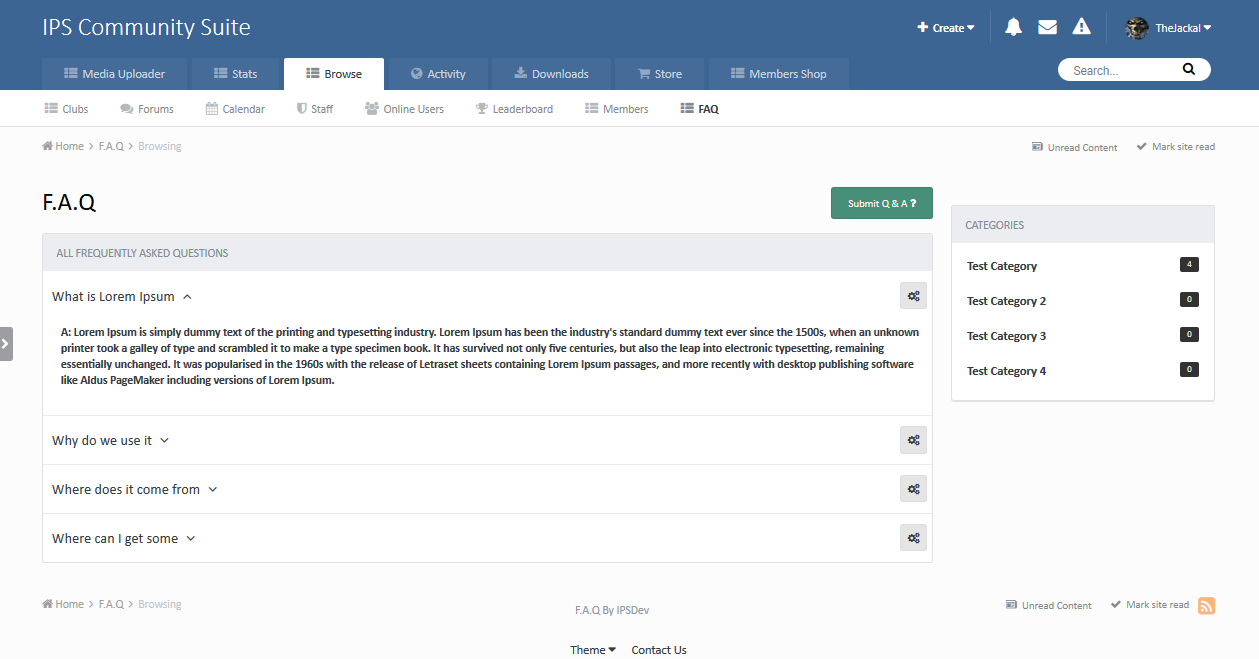
This application will add a FAQ module to your site allowing admins, moderators even your members if you choose to allow them add frequently asked questions to your site
Main Features- Create unlimited Questions & Answers
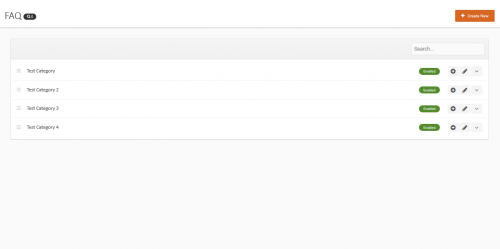
- Create categories to place the Q & A's in
-
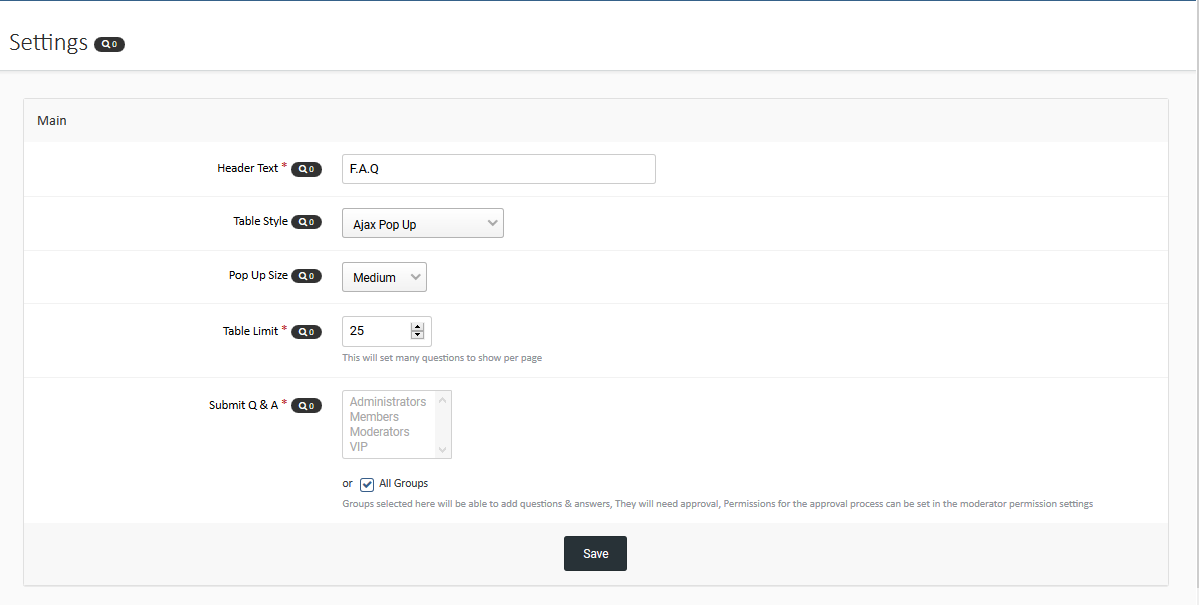
Allow certain usergroups to add Q & A's
- After a user submit's a Q & A it will require approval by the admin or moderators ( Read below )
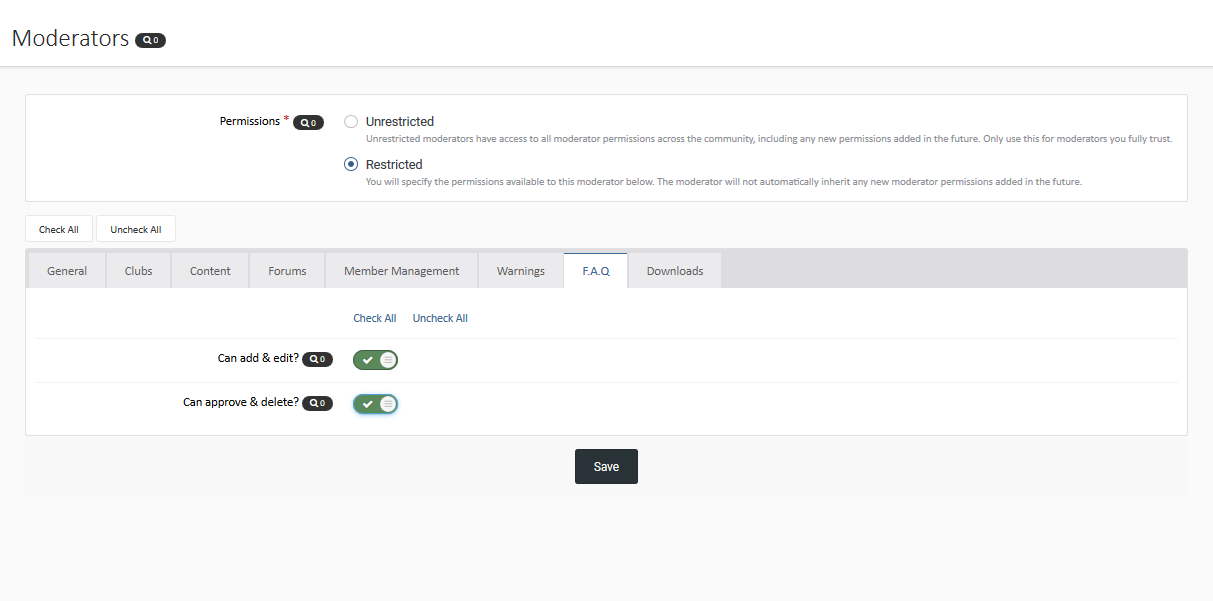
- Allow moderators to add Q & A's without needing approval
-
Allow moderators to be able to approve member submitted Q & A's
- Moderators with approval access will receive a notification when a user submits a Q & A
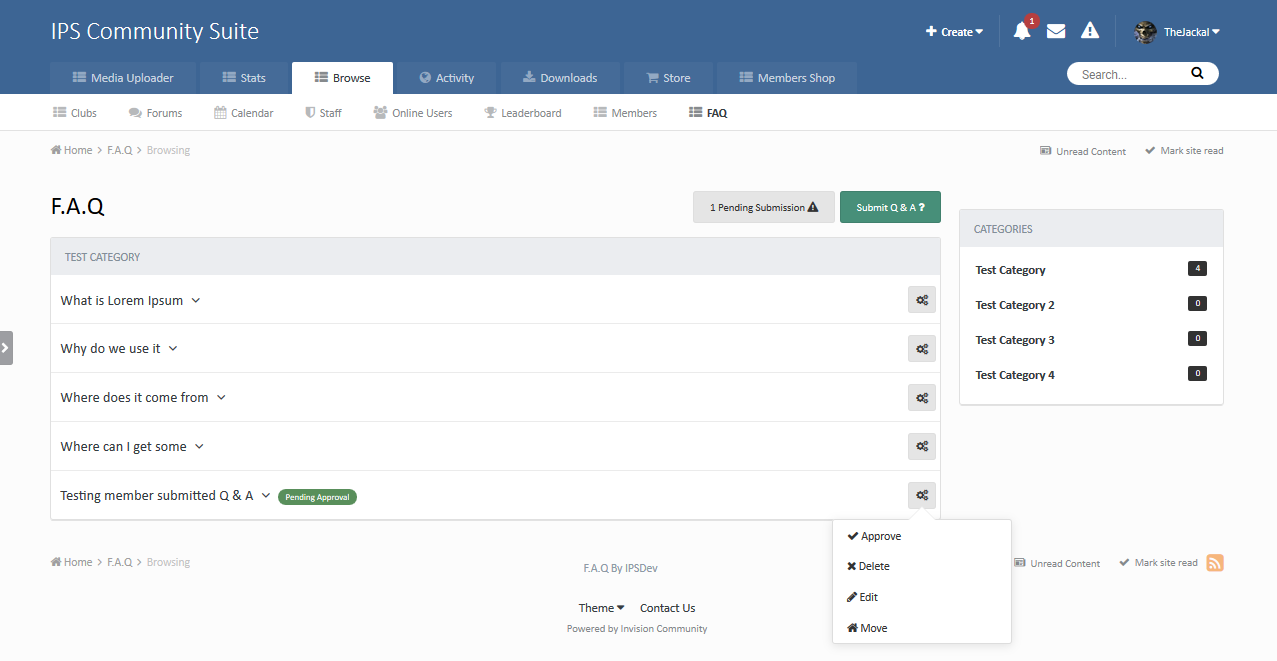
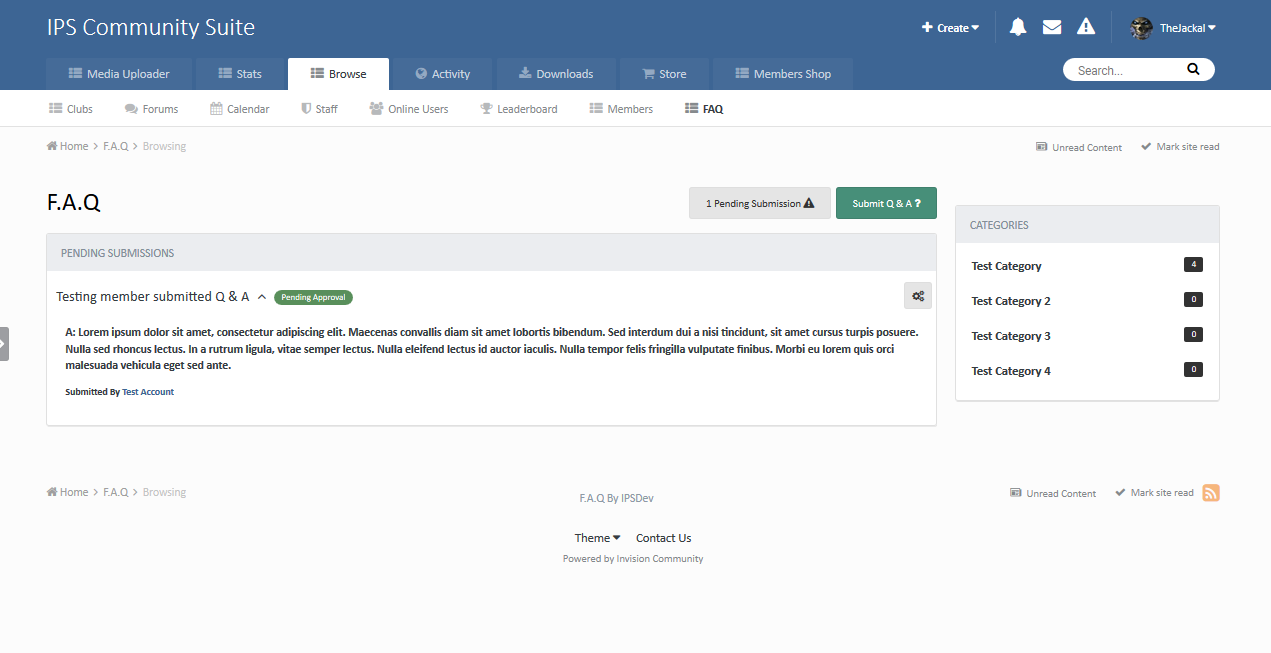
- Pending submissions will also show a little green button showing that is it pending
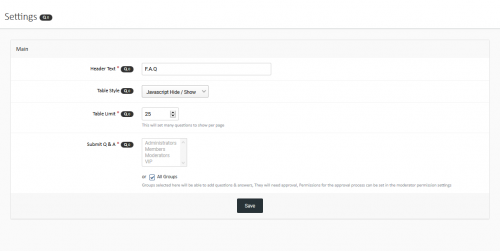
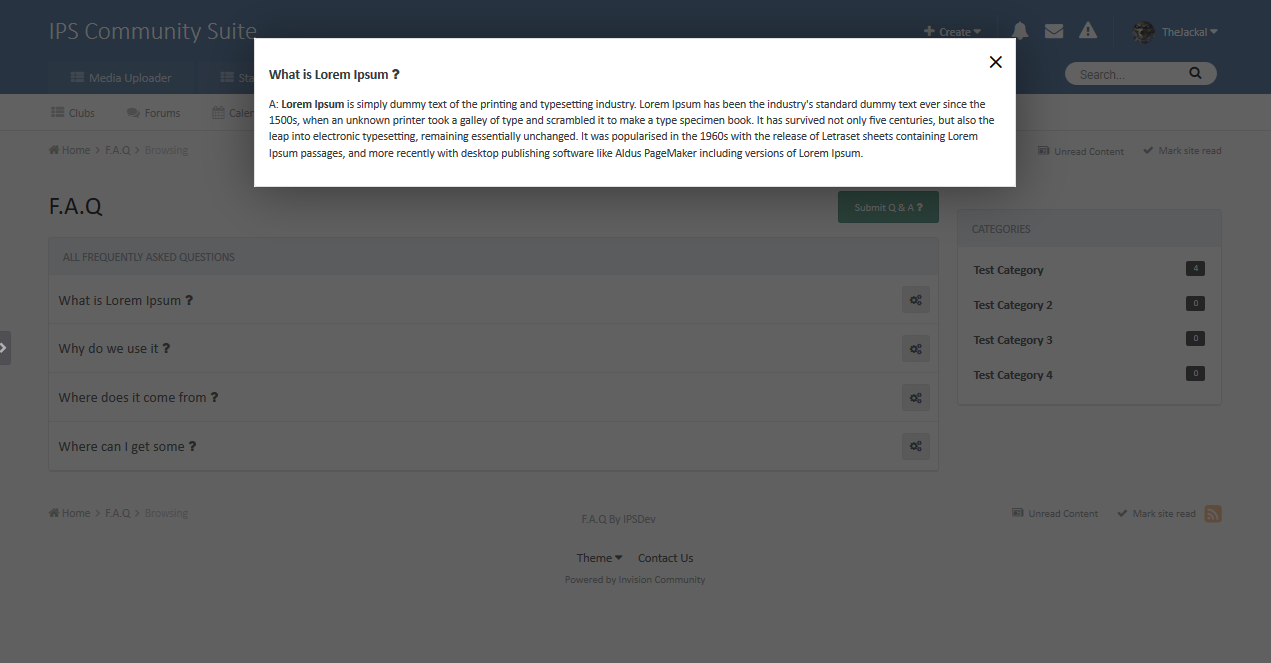
- Pick and choose to either use a javascript show/hide feature for the answers or choose to show the answers using Ajax pop up's
- If there are pending submissions to the Q & A moderators with approval permissions will see a button on the FAQ with the amount of pending submissions there are
- Easily add / edit / move / disable / enable or delete any Q & A from the front end
How to install
- Download the .tar file and go to your ACP then applications and install the downloaded file
New Features
- You can now pick to choose from showing the answers using either the javascript show/hide or show them using Axax pop up's
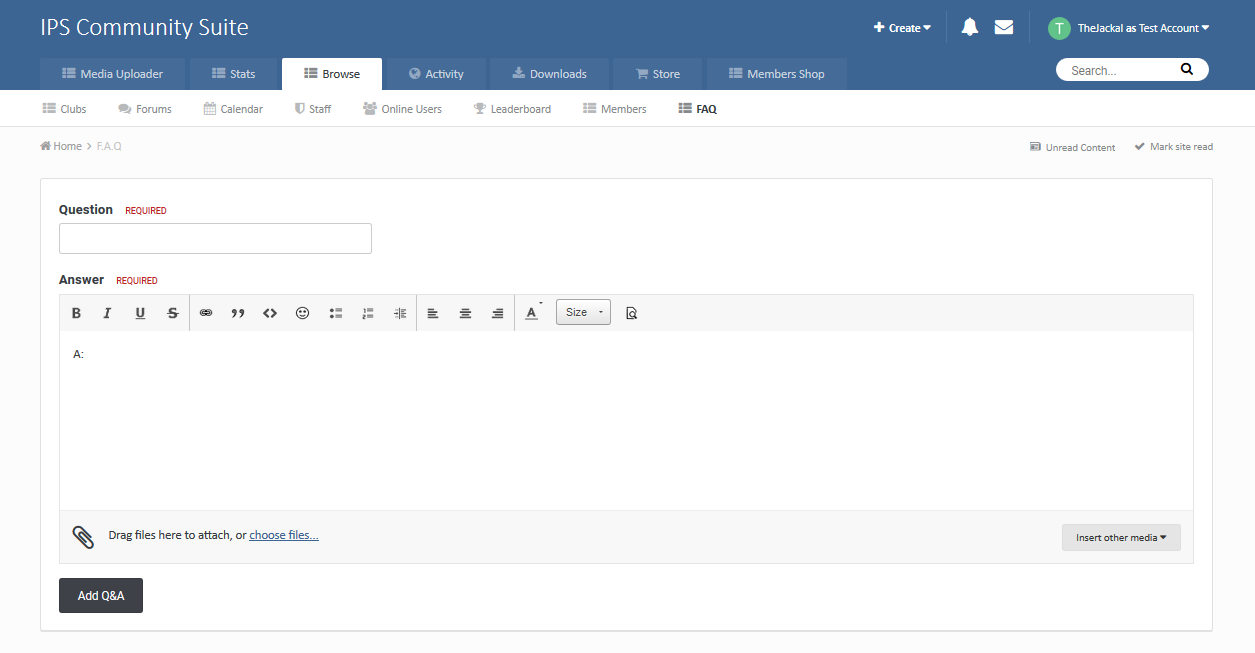
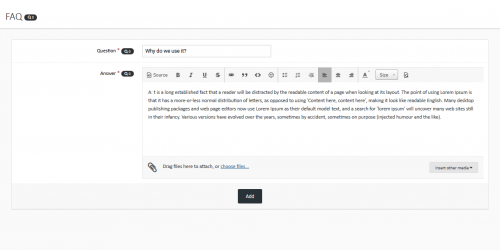
- You can now add Q & A's from the front end
-
You can now allow members to submit Q & A's
- Each member submitted Q & A will require approval
- You can approve these from the front end
- You can now also edit, delete, approve, move, disable or enable each Q & A from the front end
-
Allow moderators to approve member submitted Q & A's
- When a user submits a Q & A the moderators with approval permissions will receive a notification
- Allow moderators to add Q & A's without requiring approval
-
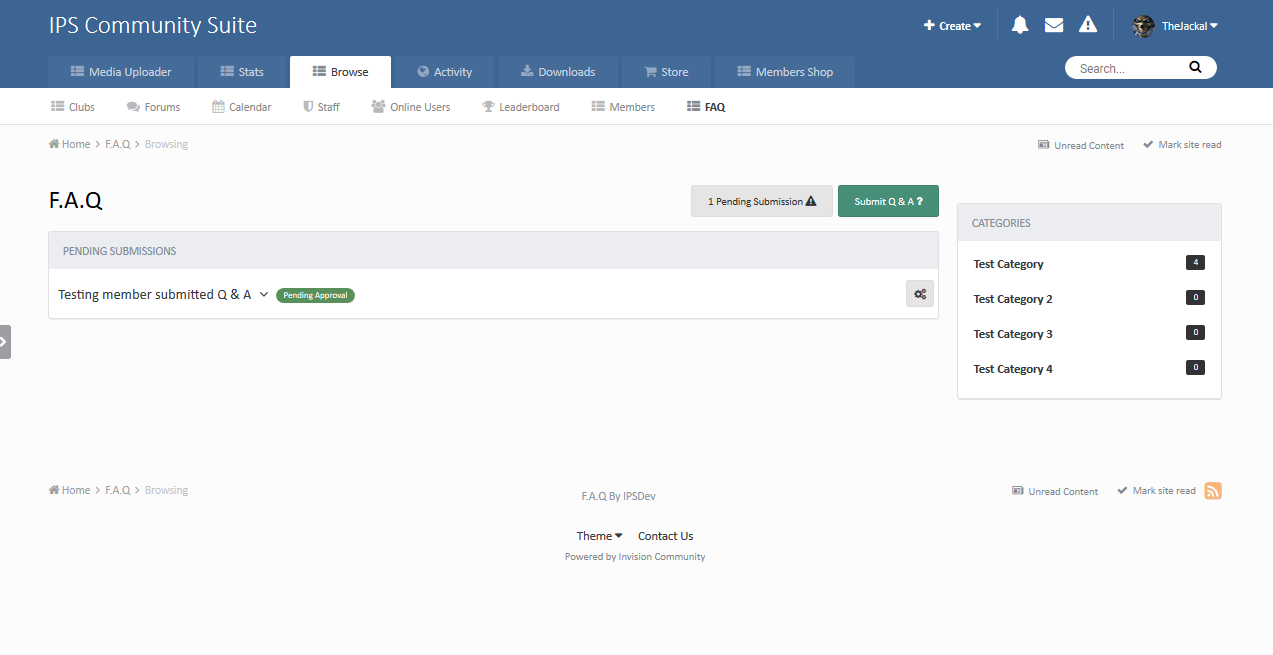
Added a new table to the front FAQ with all the pending submissions listed
- Only moderators with approval permissions will be able to see this
- Added a new setting in the ACP allowing you to change the F.A.Q text above the FAQ table on the front
- Added a new setting so you can pick the amount of Q & A's to show on each page of the table


Recommended Comments
There are no comments to display.
Create an account or sign in to comment
You need to be a member in order to leave a comment
Create an account
Sign up for a new account in our community. It's easy!
Register a new accountSign in
Already have an account? Sign in here.
Sign In Now