



About This File
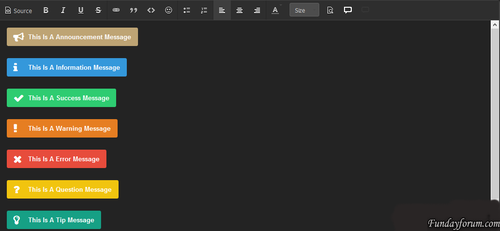
This plugin extends Suites editor support for the implementation for the box of messages. Message boxes are useful for any community, they allow you and your members to easily and aesthetic Highlight warning or any other general information.
Features
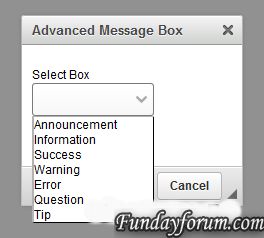
- Add 7 different types of messages
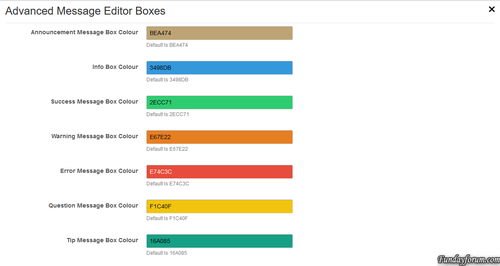
- Select a color for each message boxes
- Each message has a width Box: -moz-Fit-content; What element is that the size of the window will depend on how long the message
How to install
- Download and install the XML-file with the plugin section in the admin panel
- Go to Customization -> Toolbars and add a button
- Either download AMB_box.zip Or AMB_box_Dark.zip In The CKEditor Upload Plugin Section
Whats In New Version
- A Little Bit More Added Padding around the Box Posts
- You can use either a standard width or -moz-FIT-content
- Standard width perfectly fit the Message Box / Box Topics Where How -moz-FIT-content will make the Box As long as the text
.thumb.png.ea12d62fcb43a79b1d7a7a4664107cbc.png)

Recommended Comments
There are no comments to display.
Join the conversation
You can post now and register later. If you have an account, sign in now to post with your account.
Note: Your post will require moderator approval before it will be visible.