



About This File
Member Notes
This application will allow users from specific user groups to add notes to members, in order to have better control of the member's life in the community
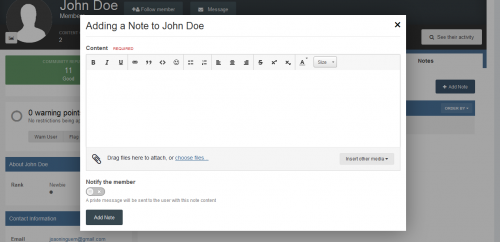
Adding Notes: Users from specific groups can add notes in two places:
- + Create menu
- Directly on user Profile, on a new tab called Notes, where notes can be edited or deleted, if you have permission to do it.
- Directly on member's posts
Features:
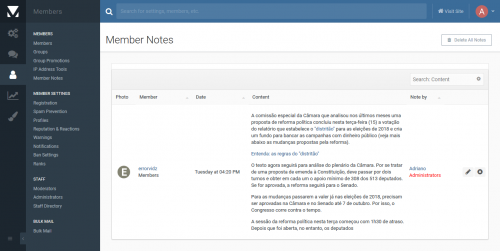
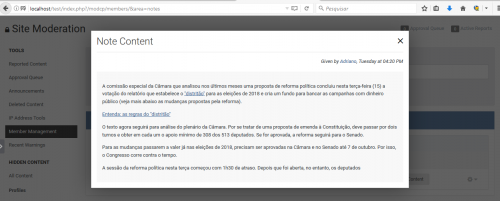
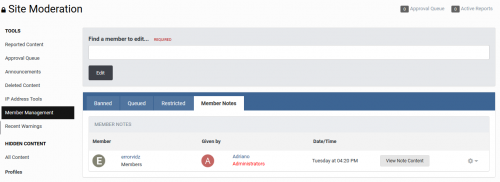
- New tab called Member Notes on ModeratorCP -> Member Management to display notes from all members, where notes can be edited or deleted, if you have permission to do it.
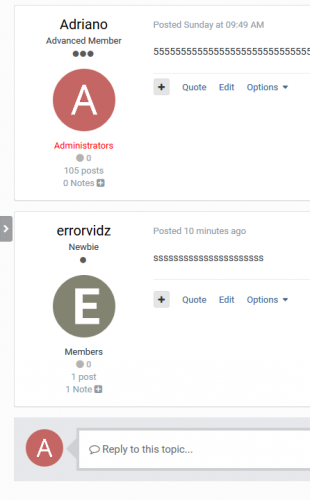
- Number of notes on user's posts, linked to the tab in his profile. You can also add a note from the post.
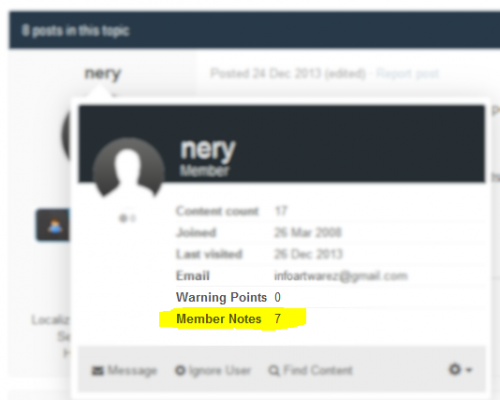
- Number of notes on user's personal card (mini profile on hover user link)
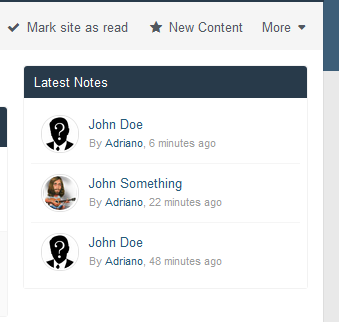
- Widget to display the latest notes.
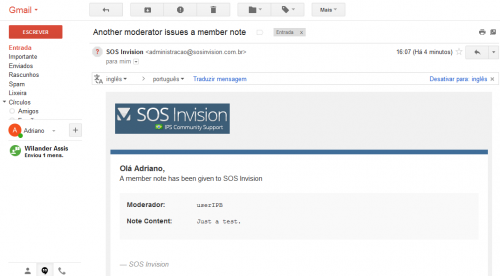
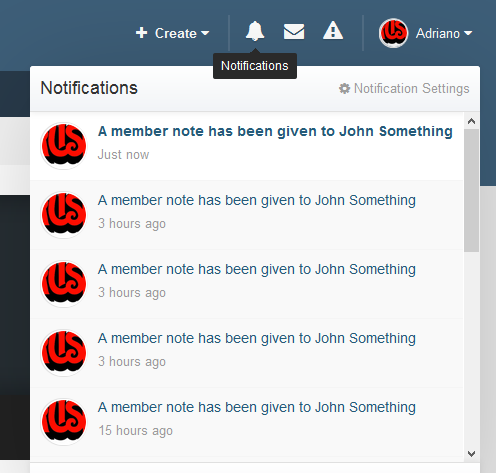
- Notification to all users who can view notes when someone gets a new note.
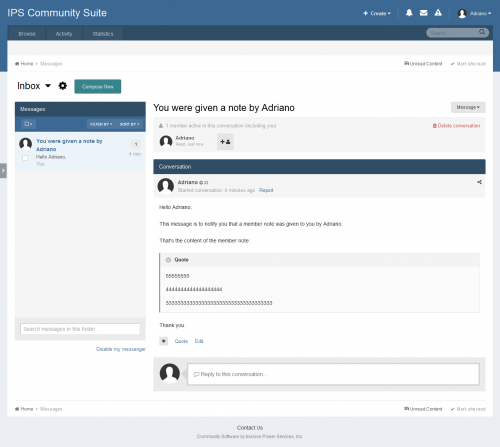
- Ability to send a private message to the member with the note content.
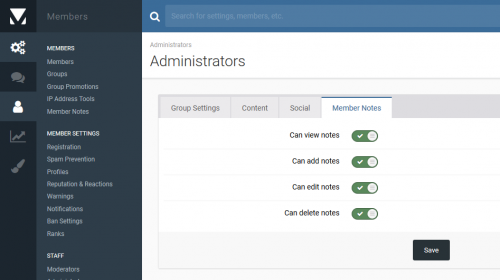
Group permissions:
- Can view notes
- Can add notes
- Can edit notes
- Can delete notes
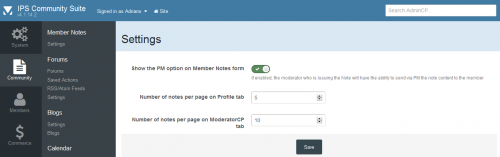
Settings:
-
Show the PM option on Member Notes form
Notes:
- This version contains an upgrader, so you will get the notes from this hook for IP.Board 3.4.
- Due to the rework on this app (every new resource has to be done from the scratch to run on IPS4 and it was a hook on 3.4), a new purchase is required. Thank you for your understanding.
2.10.3:
Fixed the URL for the notification (now it is sending to the Notes profile tab)
2.10.2:
Display number of notes im posts, even if the user has no note (linked to the Notes profile tab) + a button to add a note
2.1.0.1:
Fix notes display on profile tab and Admin CP Member Notes
2.1.0:
IPS 4.2 compatibility
New feature: Admin CP module to list all member notes: ACP -> Members -> Member Notes.
What's New in Version 2.1.2 See changelog
Released
- Fix exception when viewing notes on ACP and member profile if a note were given by a currentlly deleted member
- Compatible with IPS 4.4 and IPS 4.3.


Recommended Comments
There are no comments to display.
Join the conversation
You can post now and register later. If you have an account, sign in now to post with your account.
Note: Your post will require moderator approval before it will be visible.